
 Early Access
RocketForge
Design. Collaborate. Launch.
Design model rockets, share with your team, and run flight simulations. All in your browser.
See it in action
Everything you need to design and simulate model rockets
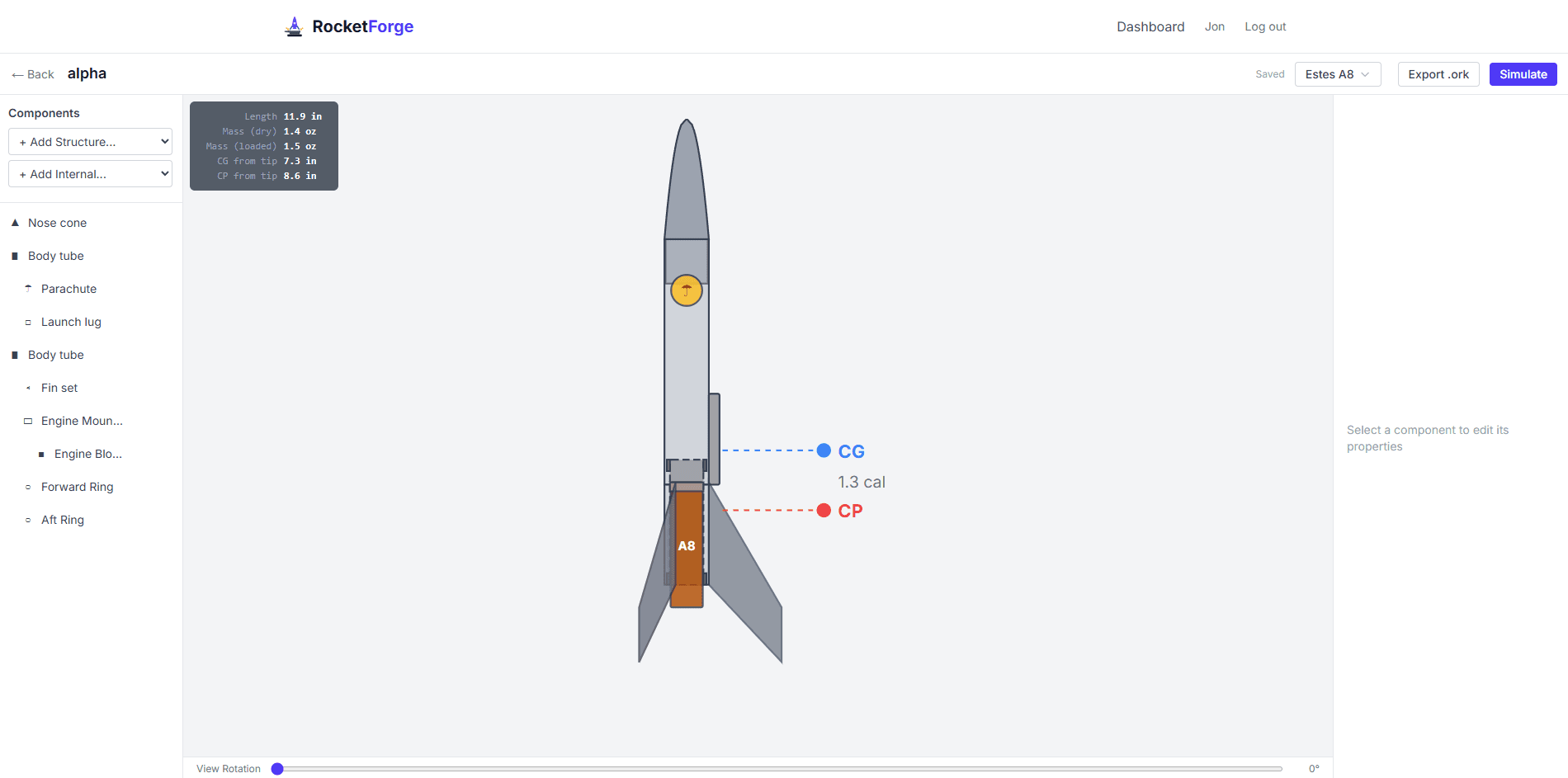
Visual Editor
Create or Import designs and edit with live SVG preview
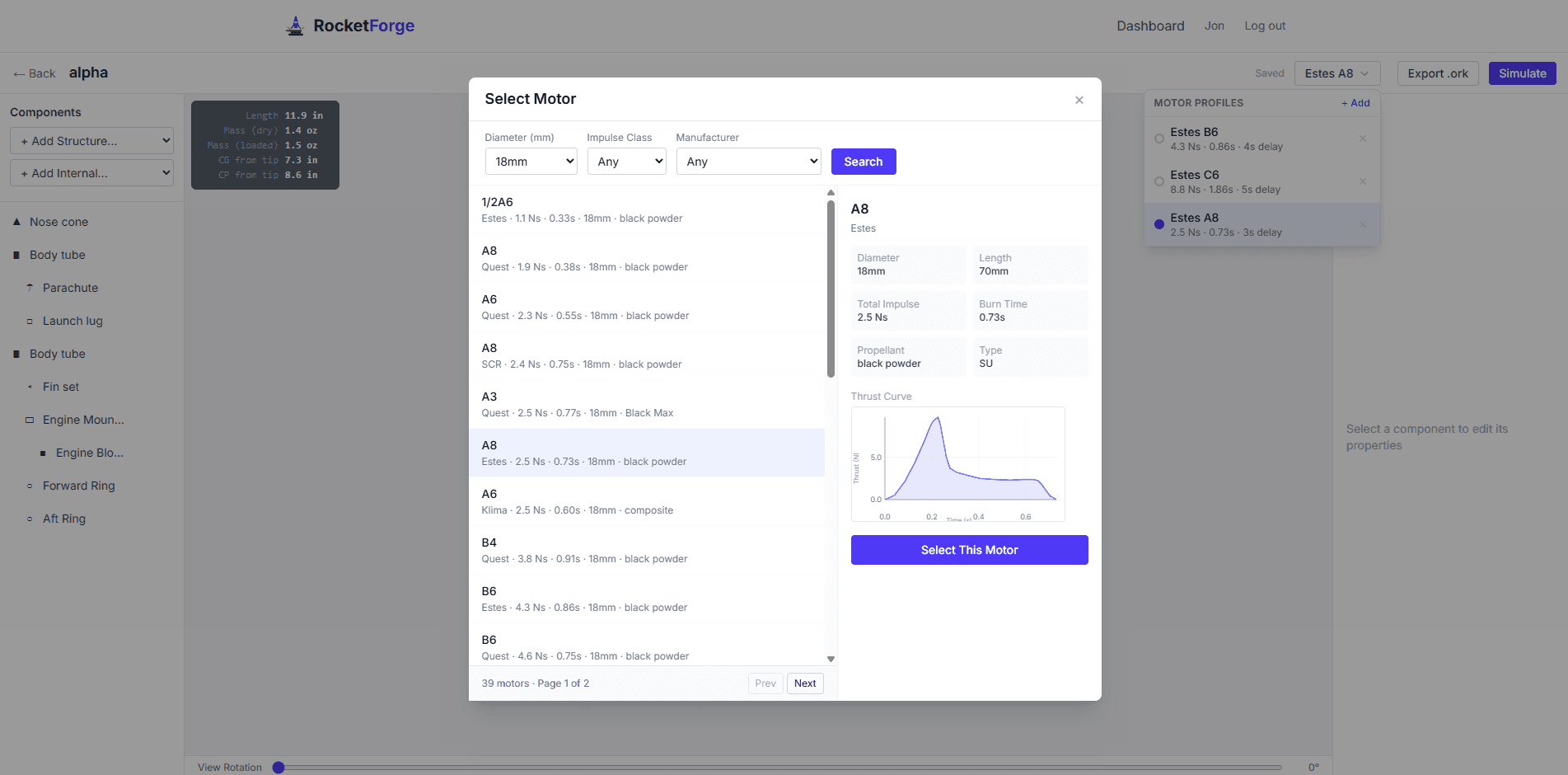
Motor Database
Search thousands of motors with thrust curves
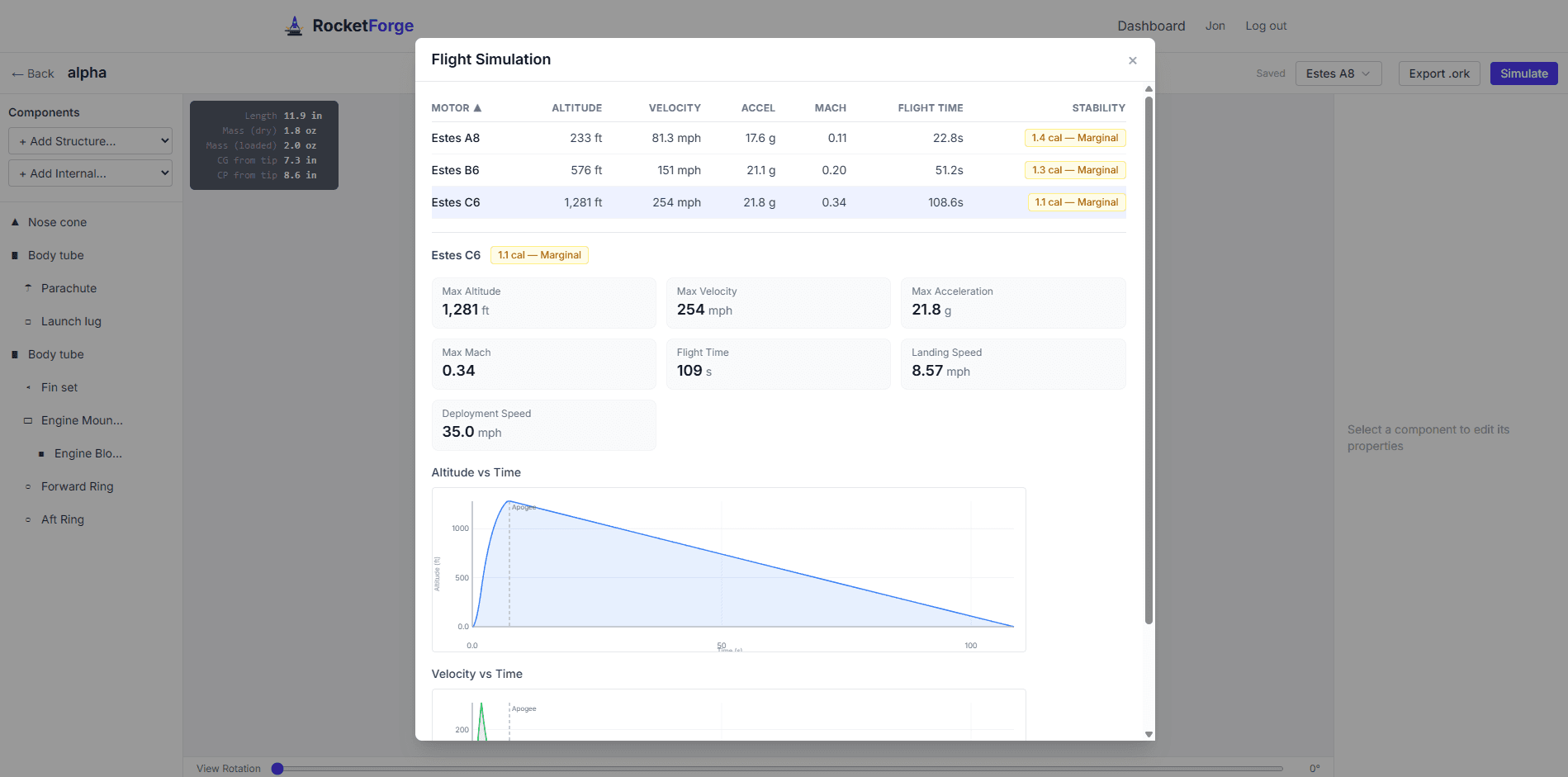
Flight Simulation
6DOF sim with altitude, velocity, and stability data
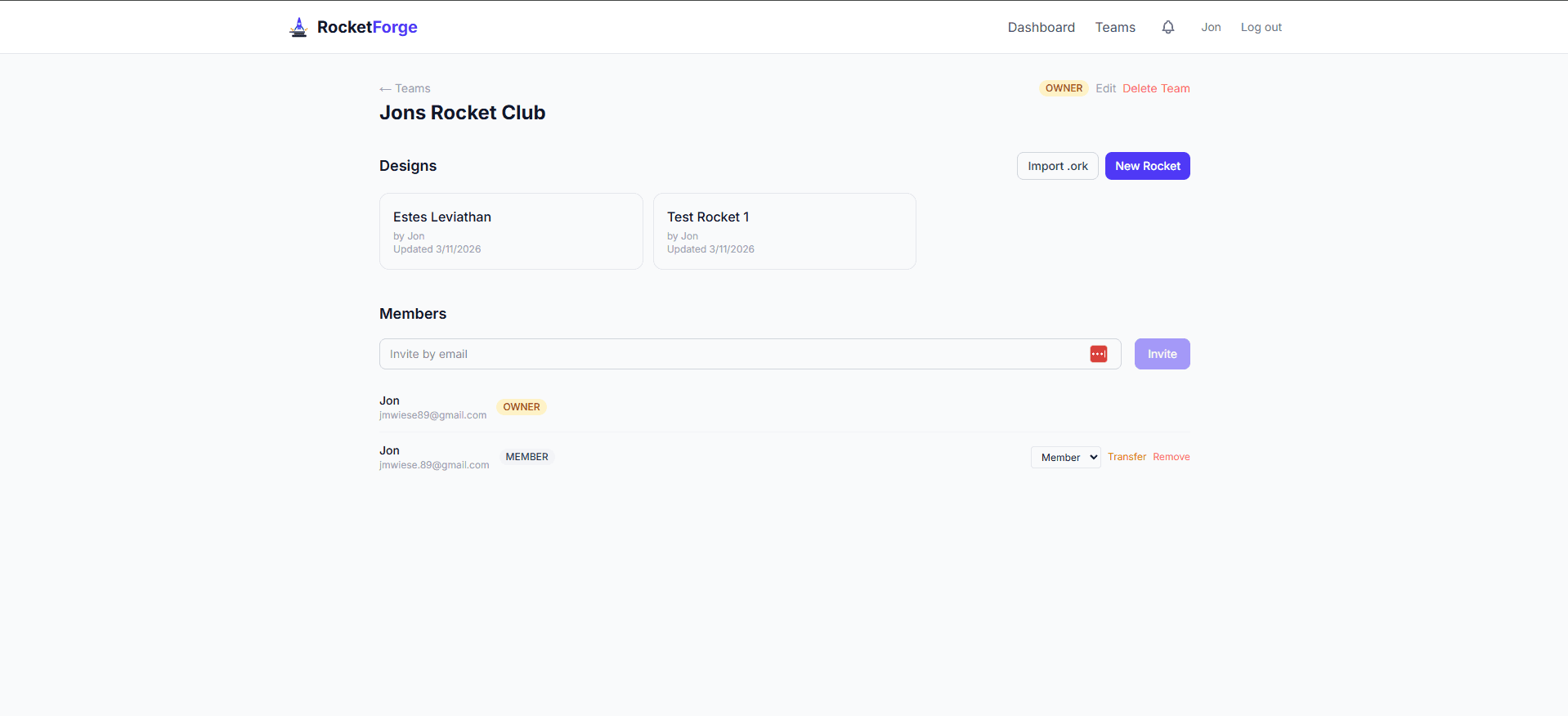
Team Collaboration
Create teams, share designs, and build rockets together
Features
Built for model rocketry enthusiasts
Visual rocket editor
11 component types
6DOF flight simulation
Physics-based predictions
Motor database
ThrustCurve.org integration
2D & 3D visualization
Interactive 3D orbit viewer
.ork import/export
OpenRocket compatible
Metric & Imperial
Your preferred units
Mobile friendly
View and tweak on your phone
CP/CG stability analysis
Barrowman method
Cloud auto-save
Designs saved automatically
Share & collaborate
Invite editors and viewers to your designs
How it works
From design to flight prediction in minutes
Design your rocket
Use the visual editor to add nose cones, body tubes, fins, recovery devices, and inner tubes. Or import an existing OpenRocket .ork file to start from a proven design.
Choose a motor
Browse thousands of certified rocket motors from the ThrustCurve.org database. Filter by diameter, impulse class, and manufacturer. View thrust curves before you commit.
Simulate the flight
Run a 6DOF flight simulation to predict max altitude, velocity, acceleration, and stability. Review altitude and velocity charts to fine-tune your design before you build.
For classrooms and clubs
Free, browser-based, and made for high school, college, and adult learners
No installation
Works in any browser, including Chromebooks and school-managed devices
Class teams
Create a team, share one link, students join in seconds
Guided tour
Built-in walkthrough so students can self-onboard
PDF export
Students save simulation results for reports and lab write-ups
Frequently asked questions
- What is RocketForge?
- RocketForge is a free, browser-based model rocket design tool and flight simulator currently in early access. It lets you build rocket designs with a visual editor, choose from thousands of real motors, and run physics-based flight simulations. No software installation required. The simulation engine is still being refined, so results should be used as estimates rather than precise predictions.
- Is RocketForge free to use?
- Yes, RocketForge is completely free and currently in early access. Sign up for an account and start designing and simulating model rockets immediately. Features and simulation accuracy are actively being improved.
- How accurate is the flight simulation?
- RocketForge uses a 6DOF flight simulation engine with RK4 integration that models drag, thrust curves, atmospheric conditions, and recovery deployment. The simulation is useful for comparing designs and getting ballpark flight predictions, but it is still being refined. Treat results as estimates rather than exact values. For competition or certification flights, always verify with established tools like OpenRocket.
- Can I import my OpenRocket designs?
- Yes. RocketForge supports importing and exporting .ork files, the format used by OpenRocket. You can bring in existing designs to work on them in RocketForge, or export designs to use in OpenRocket for more detailed analysis.
- Do I need to install any software?
- No. RocketForge runs entirely in your web browser. There is nothing to download or install. Just sign up and start designing. It works on desktop and mobile devices.
- What features are not supported yet?
- RocketForge supports multi-stage rockets (up to 3 stages) with stage separation and booster recovery simulation. Tube fins are not supported yet; for designs that need them, we recommend OpenRocket and importing via .ork files.
- How is this different from OpenRocket?
- OpenRocket is a mature desktop application with a highly accurate simulation engine refined over many years. RocketForge is a complementary web-based tool focused on convenience: no installation, cloud saves, team collaboration, and mobile access. RocketForge's simulation is still in early access and best used for quick design iteration. For precise flight predictions, we recommend verifying with OpenRocket. You can move designs between the two using .ork file import/export.
Ready to design your first rocket?